Posting
Approve once. It posts all month.
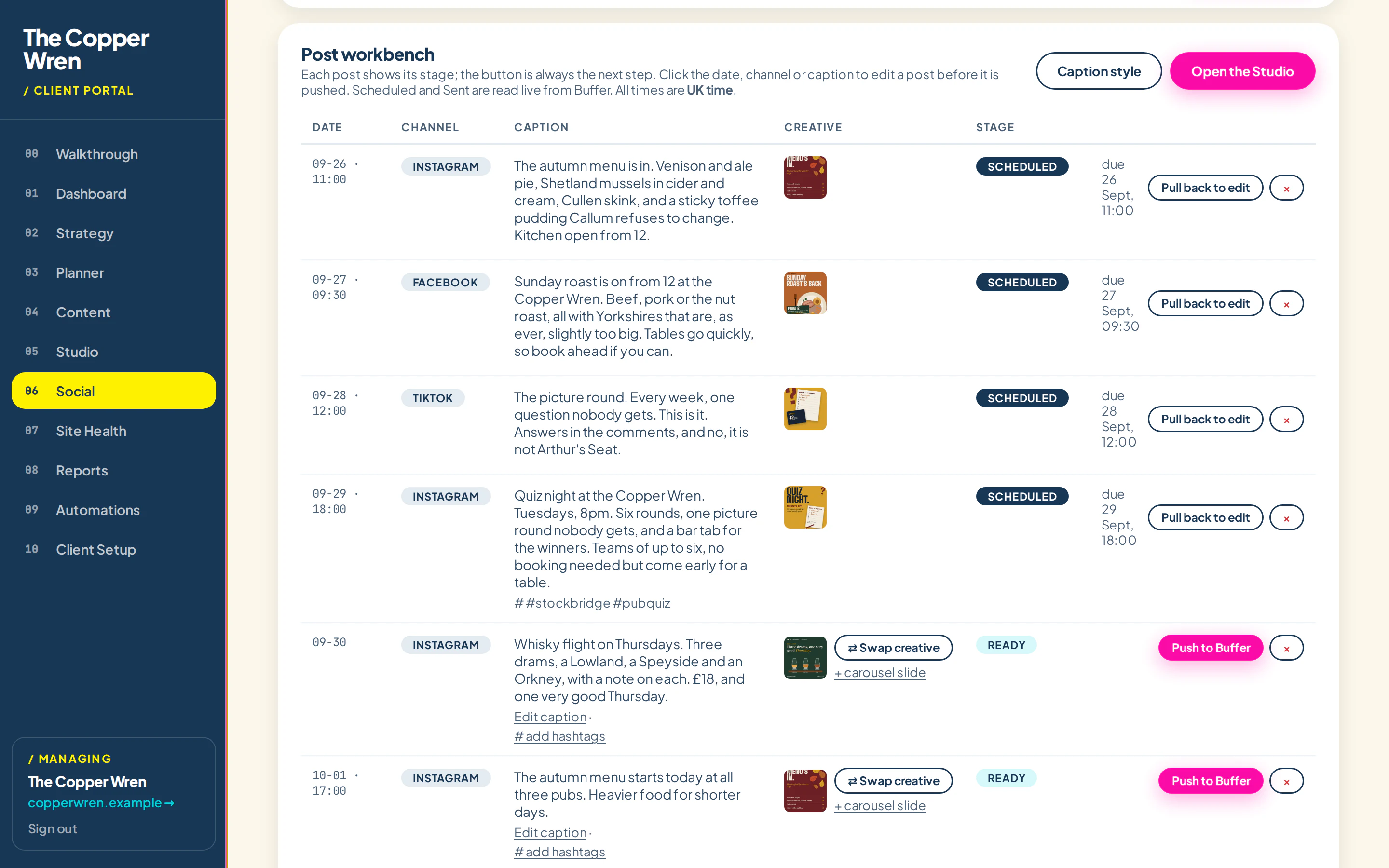
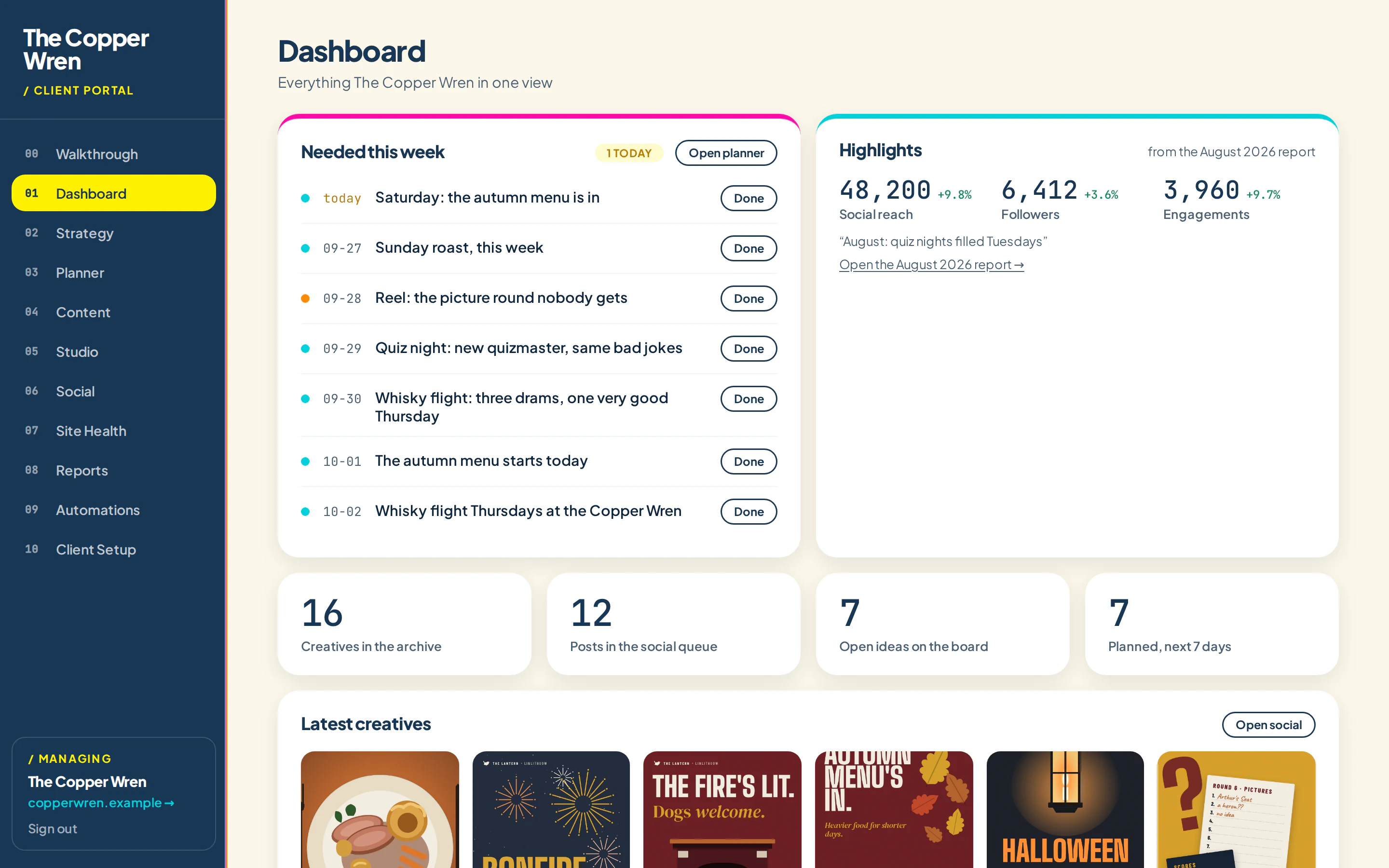
Approved posts go into one queue, with the image and caption attached, and out through Buffer at the times you set. Instagram, Facebook, TikTok and LinkedIn, from one place.
14 days free, no card needed. Shown with an example organisation.
How it works
Three steps.
01
Connect Buffer
Link your Buffer account once. Its free plan covers three channels.
02
Approve the month
Approved posts drop into the queue with their image, caption and time.
03
It posts for you
Posts go out at the time you set, and the results come back in.
One queue for every channel
See everything that's going out, when and where. Swap an image, fix a typo or move a date without logging in to four apps.
- Posts at your local time, not hours later
- Reels and feed posts in the same queue
- Post results pulled back from Buffer
- On Team and Agency, send the month for sign-off first, or switch on a check so nothing goes out until it is approved
Which plan
Who gets it.
IncludedSoloUp to three channels
IncludedTeamEvery site's pages, on the Buffer plan that fits
IncludedAgencyEach client's own Buffer
Do I need to pay for Buffer?
Not to start. Buffer's free plan covers three channels and ten scheduled posts. Busier accounts need a paid Buffer plan.
Can I still post by hand?
Yes. Anything can stay in the queue as a reminder you post yourself.
See it with your own charity in it.
Tell it about your charity, watch a month get planned and approve your first post. It takes a couple of minutes.
For your own charity or group14 days free, no card needed
Try it free →Supporting several charities?A walkthrough for umbrella bodies and agencies
Book a demo