Templates in your brand. Change the words, keep the design.
The Studio holds your templates for feed posts, stories and short reels, in your fonts and colours. Pick one, type the words, add a photo. The layout keeps your logo, colours and fonts, so a volunteer can do it. Already use Canva? Drop your finished design in and we fit it to feed or story size.
14 days free, no card needed. Shown with an example organisation.
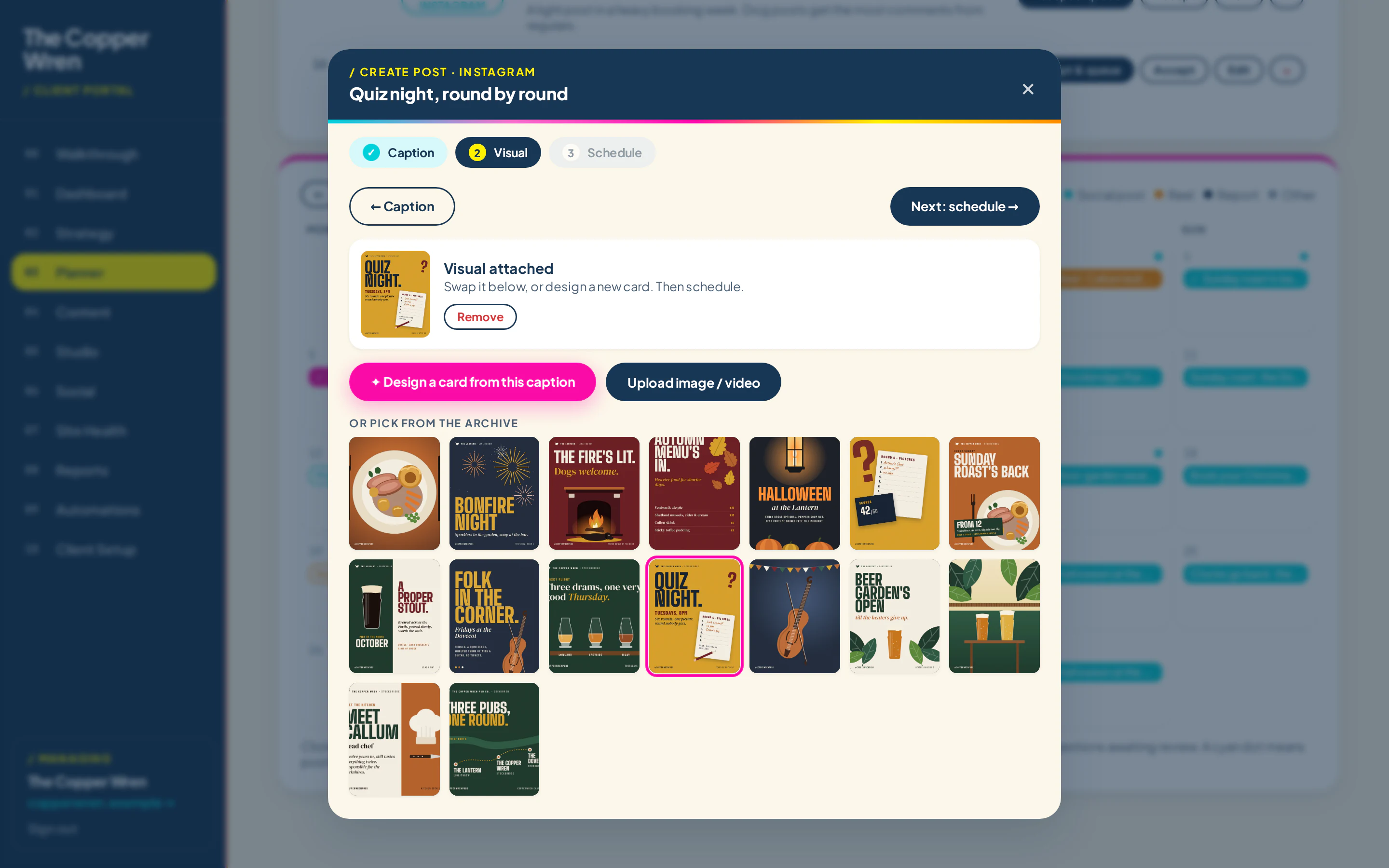
Three steps.
Set up your brand once
Your logo, colours, fonts and a few photos. Every layout picks them up from then on.
Pick a layout and type
Headline, a line of detail, your photo. It sizes itself for feed or story.
Export or send
Save a JPG or a short looping MP4, or send it straight to the post it belongs to.
Made for the posts you actually do
Opening times, events, appeals, volunteer call-outs, a thank you. Every plan comes with layouts that pick up your brand. If you want templates designed for your charity, our design team builds them with you for £350, once, and changes them when your needs change. They then come first on every new post, under "Your templates", and only your charity sees them.
- Feed (4:5) and story (9:16) sizes
- Short looping reels as MP4
- Your photos, or pick from your library
- Attached to the planned post in one click
- Or drop in a finished design from Canva
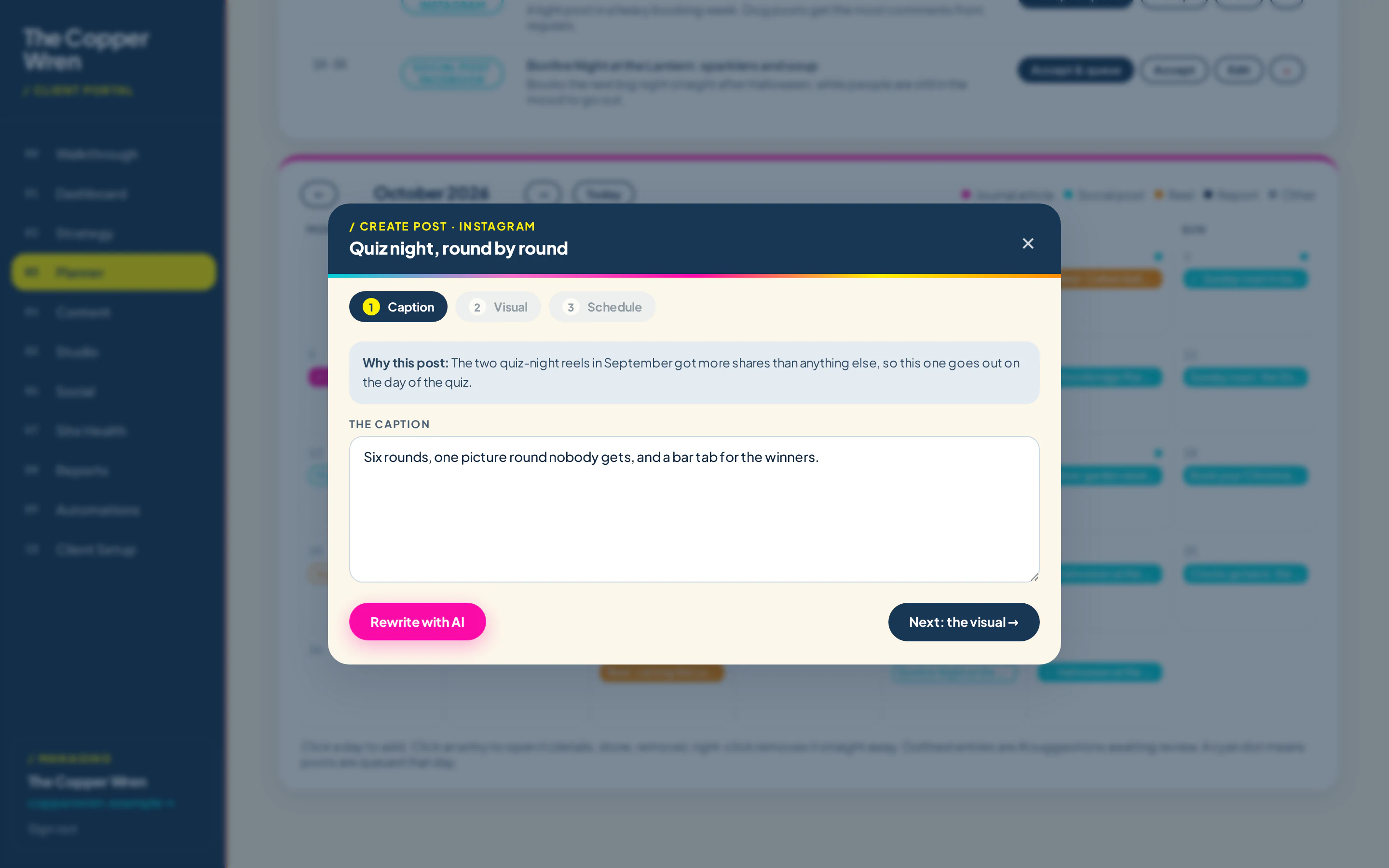
Already design in Canva? Keep doing that.
Finish the design in Canva, download it, and drop it onto the planned post. Imprint fits it to feed or story size. A direct Canva connection is something we are looking at; it isn't there yet.
Design in Canva
Make it in Canva as you do now, then download it as a PNG, JPG or MP4.
Drop it on the post
Press Attach my own on the planned post and choose the file. It is resized for Instagram and Facebook.
Or skip Canva
Press Make the picture and Imprint lays one out in your brand, with photos from your library or an AI picture.
Who gets it.
Can I use Canva instead?
Do I need a paid Canva account?
Does it do video?
See it with your own charity in it.
Tell it about your charity, watch a month get planned and approve your first post. It takes a couple of minutes.