Sign-off from one link on a phone.
Send the month's plan to whoever signs things off: the owner, an area manager or your client. They go through it on their phone, approve or leave a note, and every answer lands back on the plan.
14 days free, no card needed. Shown with the Copper Wren, a made-up pub group.
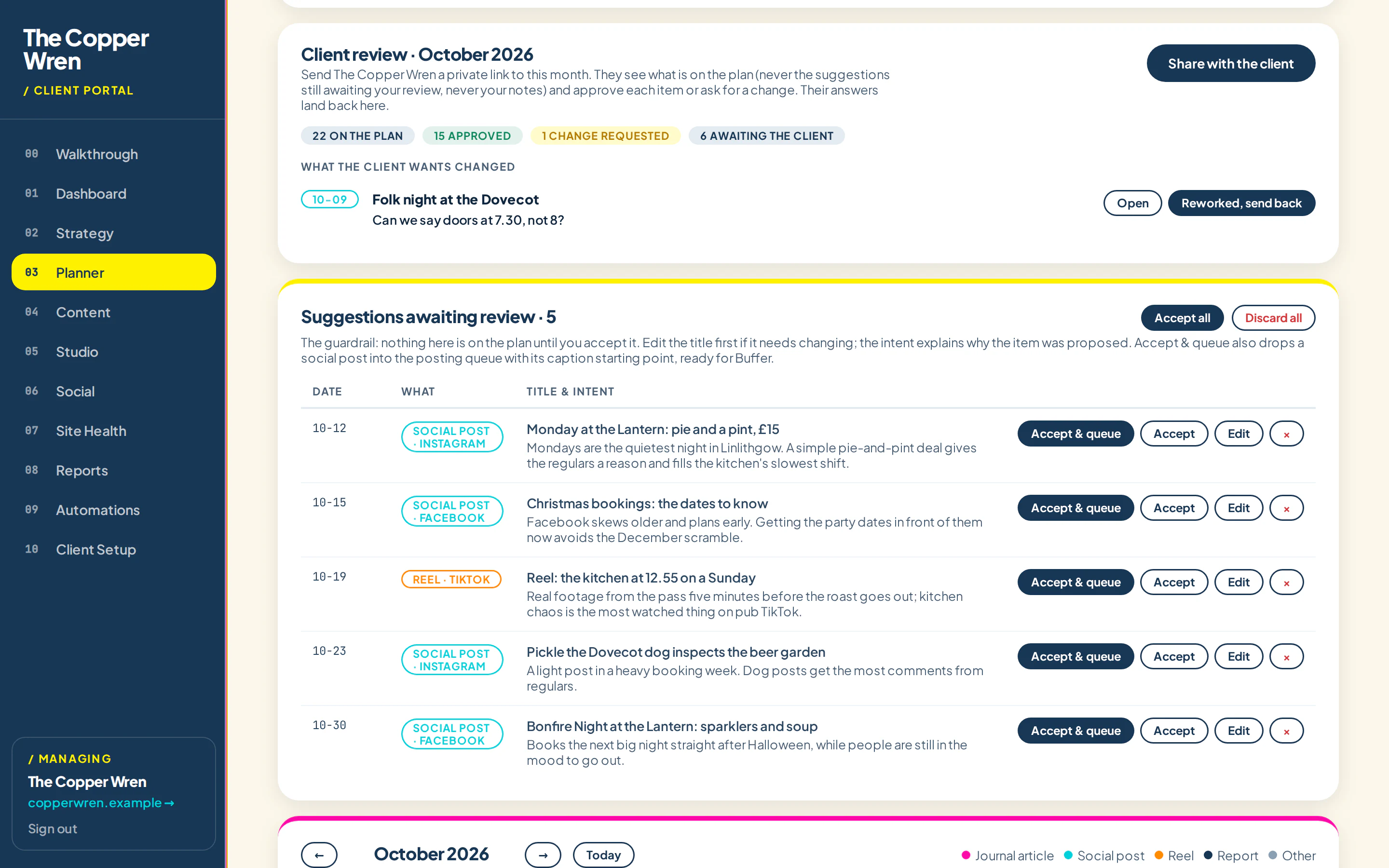
Three steps.
Send one link
Copy the month's link and send it however you like: text, email or WhatsApp.
They approve on their phone
Each post shows the image, the caption and the date. Approve, or ask for a change.
Answers come back
Approvals and notes appear on the plan straight away, so nothing gets lost in a chat thread.
No more approval by WhatsApp
The link is signed for that month, needs no account and works on any phone. You can see at a glance what's approved, what's waiting and what needs changing.
- Counts of approved, waiting and changes requested
- Notes attached to the exact post they're about
- In your colours and fonts, not ours
- Reset the key and every old link stops working
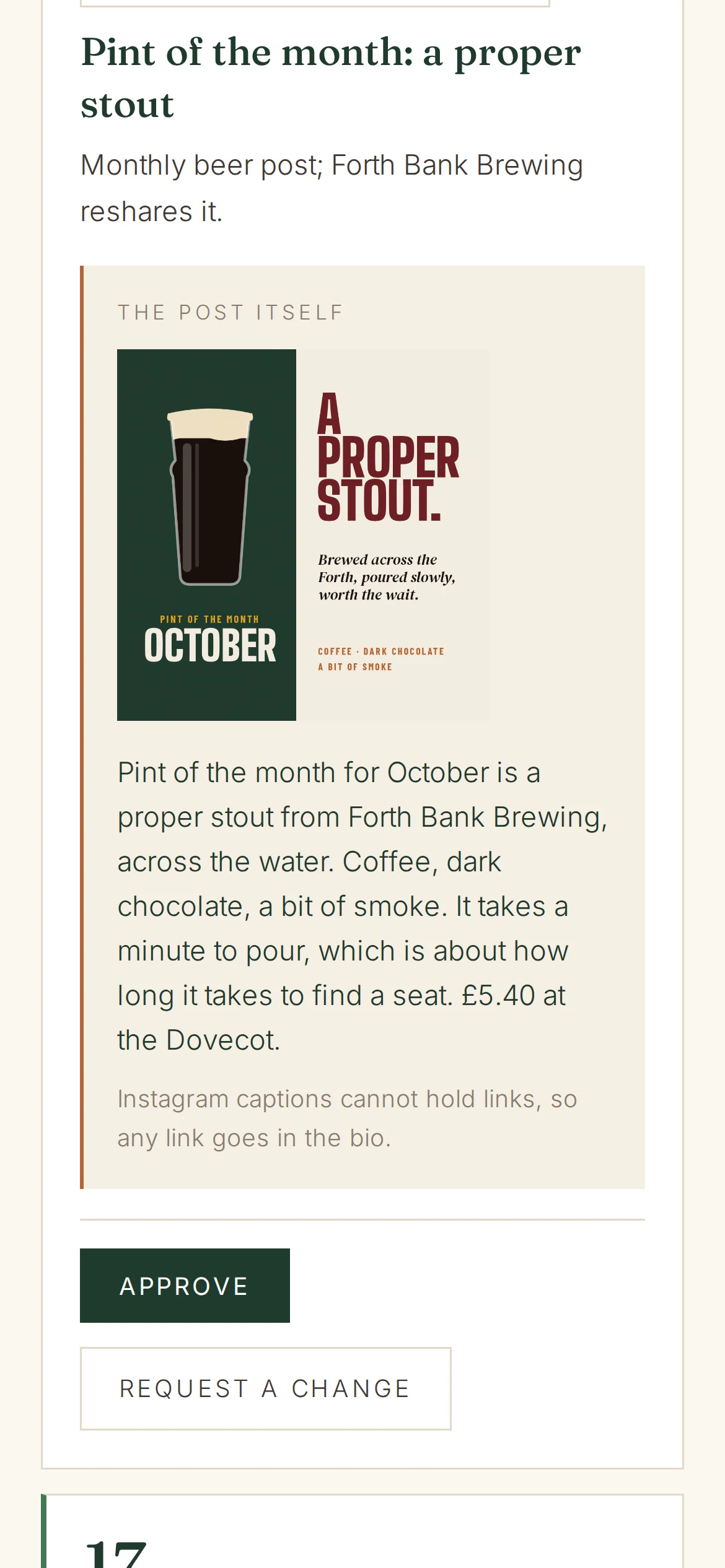
Who gets it.
Does the person signing off need an account?
Can more than one person use the link?
See it with your own business in it.
Tell it about your business, watch a month get planned and approve your first post. It takes a couple of minutes.