Posts in your brand, no designer needed.
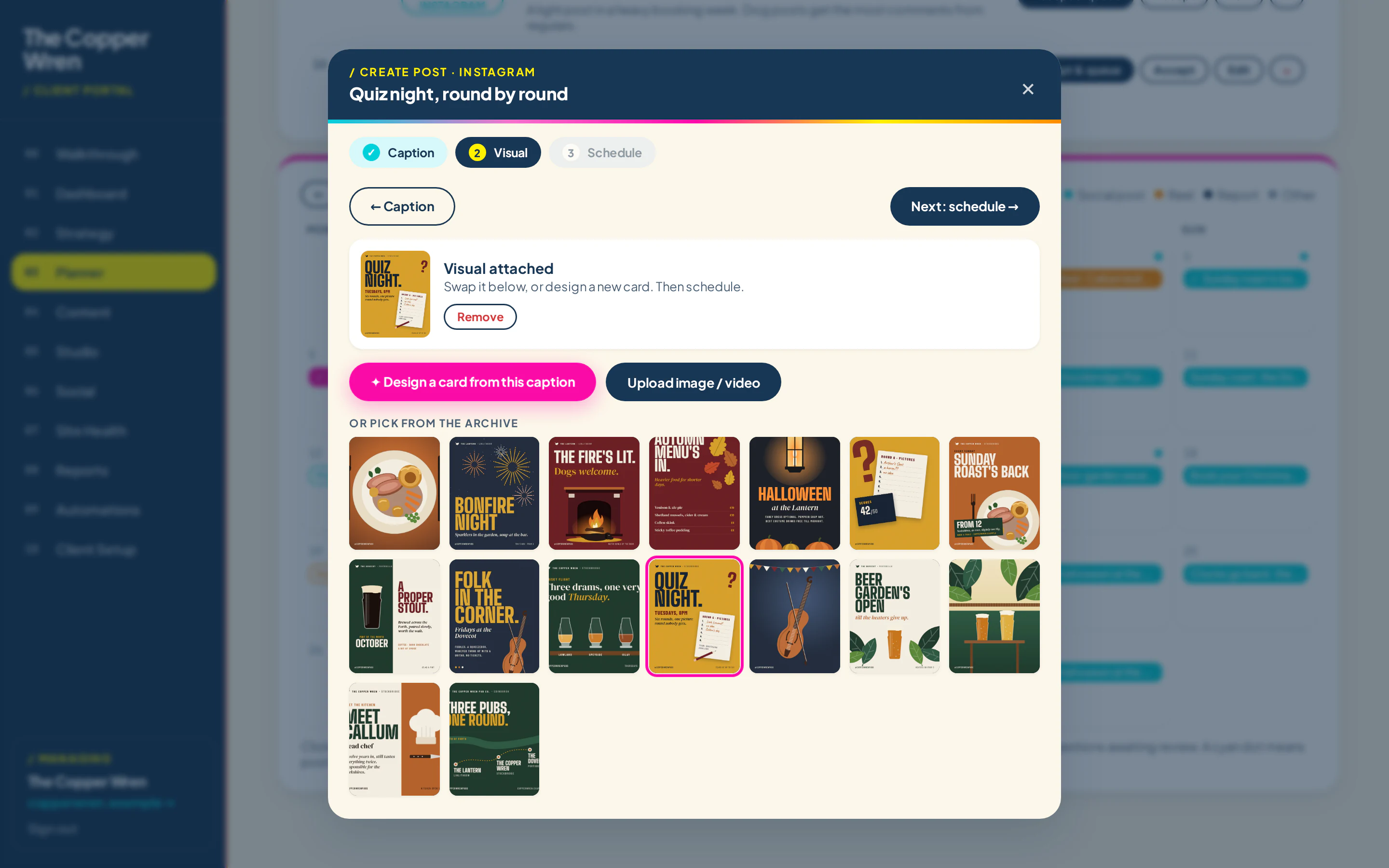
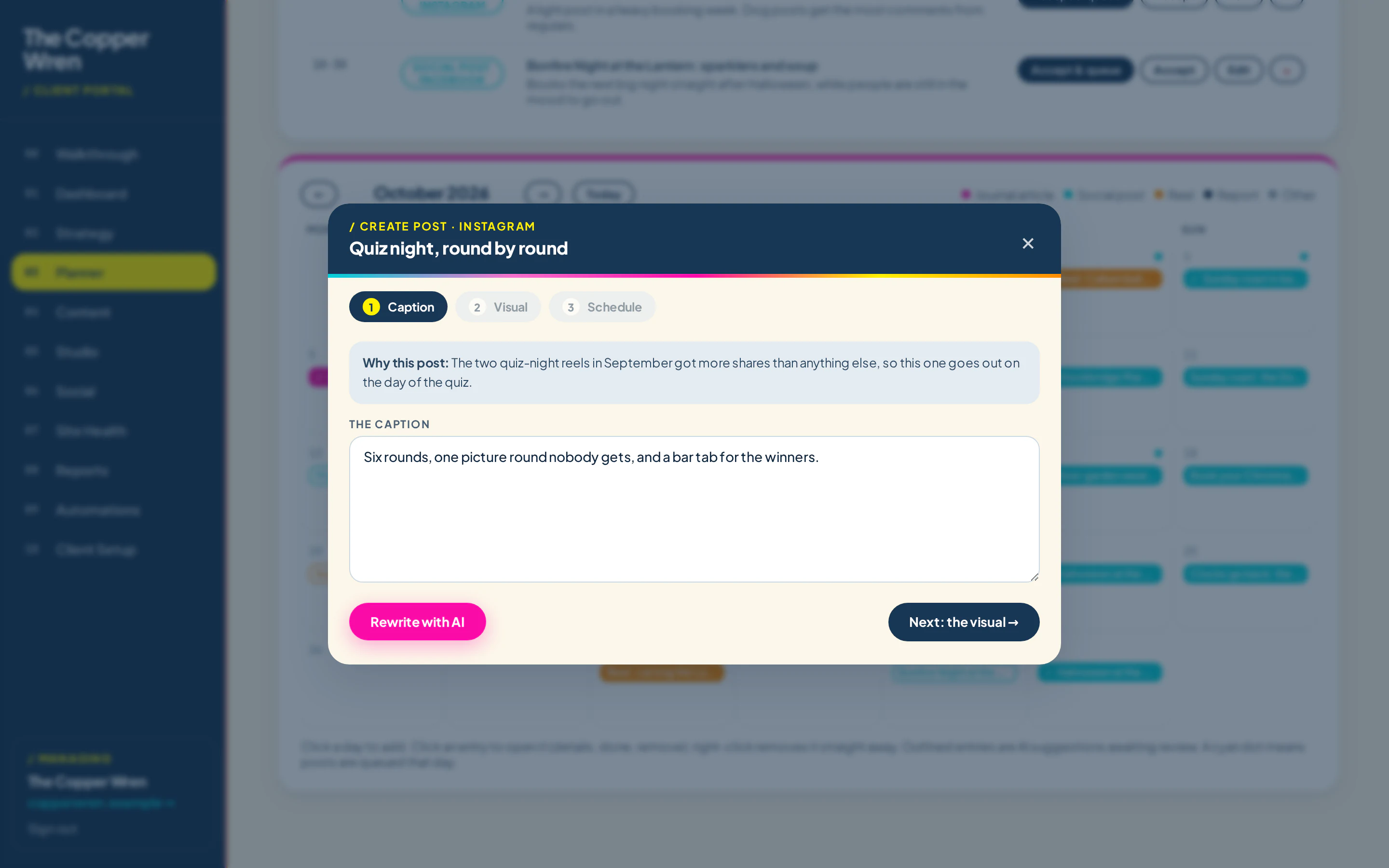
The Studio makes feed posts, stories and short reels in your fonts and colours, from your own photos. Pick a layout, type the words, export. Already use Canva? Drop your finished design in and we fit it to feed or story size.
14 days free, no card needed. Shown with the Copper Wren, a made-up pub group.
Three steps.
Set up your brand once
Your logo, colours, fonts and a few photos. Every layout picks them up from then on.
Pick a layout and type
Headline, a line of detail, your photo. It sizes itself for feed or story.
Export or send
Save a JPG or a short looping MP4, or send it straight to the post it belongs to.
Made for the posts you actually do
Menus, events, offers, opening times, a new product, a thank you. The layouts are built around what small businesses post every week.
- Feed (4:5) and story (9:16) sizes
- Short looping reels as MP4
- Your photos, or pick from your library
- Attached to the planned post in one click
- Or drop in a finished design from Canva
Already design in Canva? Keep doing that.
Finish the design in Canva, download it, and drop it onto the planned post. Imprint fits it to feed or story size. A direct Canva connection is something we are looking at; it isn't there yet.
Design in Canva
Make it in Canva as you do now, then download it as a PNG, JPG or MP4.
Drop it on the post
Press Attach my own on the planned post and choose the file. It is resized for Instagram and Facebook.
Or skip Canva
Press Make the picture and Imprint lays one out in your brand, with photos from your library or an AI picture.
Who gets it.
Can I use Canva instead?
Do I need a paid Canva account?
Does it do video?
See it with your own business in it.
Tell it about your business, watch a month get planned and approve your first post. It takes a couple of minutes.